
You can run Microsoft Teams from your browser by visiting https://teams.microsoft.com/, however clients are available for Windows, Mac, Android and Apple iOS devices. Please scroll down for the appropriate installation instructions.
Installing Microsoft Teams
Step 1:
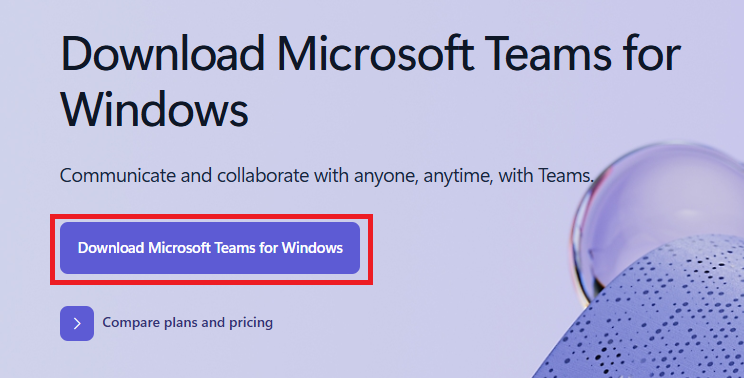
Visit https://teams.microsoft.com/downloads on your device
Step 2:
Select Download Teams, run the program if required by your device and follow the specific installation instructions for your device.
Step 3:
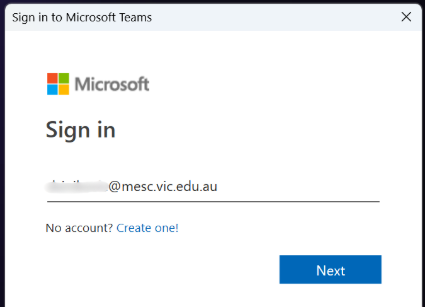
Once Installed, please enter your MESC email address and password to Sign In.
You are now able to view all of your Teams and class resources from the application.