
Compass is an online school platform which provides central location for important MESC information. We use Compass to:
- View timetables
- Check attendance
- Access learning tasks
- Receive school information
- View school reports
You can log into Compass using your College login details.
Step 1:
Navigate to https://mesc-vic.compass.education/
Step 2.
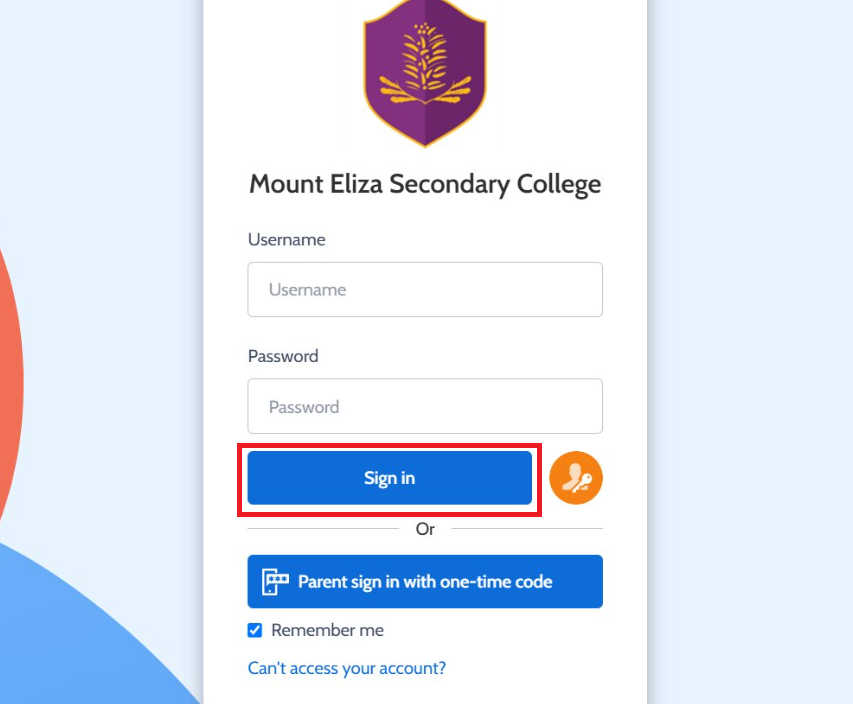
Enter your College Username, Password then click the blue Sign in button.